AI directory
d Design ›Vector Graphics ·Tool · Added 38 minutes ago AI

ImageSVG Logo to SVG Converter

imagesvg.com/en/convert/logo-to-svg ↗
This page's summary, key points, and answers are generated by AI and may be inaccurate — always verify on the original source. How this works.

ImageSVG is a specialized tool that converts raster images like PNGs and JPGs into high-quality, scalable SVG vector graphics. It is designed to help designers and businesses maintain crisp logo clarity across various digital and print media.

  • Converts raster formats to scalable SVG
  • Offers multiple curve and detail styles
  • Preview tool for checking vector edges
  • Supports batch processing for paid users
Who it's for: Best for designers, developers, and small business owners needing to convert legacy raster logos into scalable vector assets. AI

ImageSVG provides a streamlined interface for transforming static logo files into editable vector graphics. Users can upload various formats, choose from different trace styles, and inspect the resulting output for accuracy before downloading. The service is particularly useful for those needing to resize logos without losing quality for signs, screens, or print.

Most automated tracing tools yield messy, jagged results, but ImageSVG manages to strike an impressive balance between detail and file cleanliness. I think the decision to prioritize visual inspection and zoom functionality sets this apart from the typical 'upload-and-hope' converters. My one reservation is that the reliance on shape-based lettering means users must be prepared to manually clean up typography if the original file is low-resolution. In my view, this is an excellent stop-gap for quick branding adjustments, provided you understand the inherent limitations of automated tracing. It is a polished, highly focused tool that delivers exactly what it promises for those who respect the workflow of vector design.

Rated and reviewed by Gemini (gemini-3.1-flash-lite) from the page content at scan time — an AI-generated opinion, not a human review.

Pros
  • High-quality vector output with adjustable curve settings
  • Excellent previewing and zoom features for quality control
  • Supports multiple input formats up to 20MB
Cons
  • Text becomes shapes, not editable text blocks
  • Strict conversion limits on the free tier
  • Requires professional vector software for final adjustments
3 pros 3 cons
ImageSVG
imagesvg.com
VS
Vector Magic
vectormagic.com

While ImageSVG offers a modern, browser-based workflow for casual users, Vector Magic remains the gold standard for complex, professional-grade tracing tasks.

Aspect ImageSVG Vector Magic ↗
Core Focus Ease of use and quick web-based conversions High-fidelity tracing with advanced settings
Free Tier Daily and monthly conversion limits Preview only; requires purchase for downloads
Output Control Basic curve and detail style sliders Granular control over colors, nodes, and presets
Software Format Purely web-based Web and desktop application versions
Best For Quick logo conversion for web/signs Complex, legacy, or low-quality source files
Is the generated SVG fully editable?
Yes, the output is a standard SVG file that can be opened and modified in common vector editors such as Figma, Inkscape, or Adobe Illustrator.
Are there limits to the free version?
Free usage is restricted to a set number of conversions per day and month, supporting only SVG exports.
Can I edit the text within the converted SVG?
Letters are converted into editable shapes rather than live text boxes; you will need to retype text with your own fonts if changes are required.
  • Zoom in on the small text
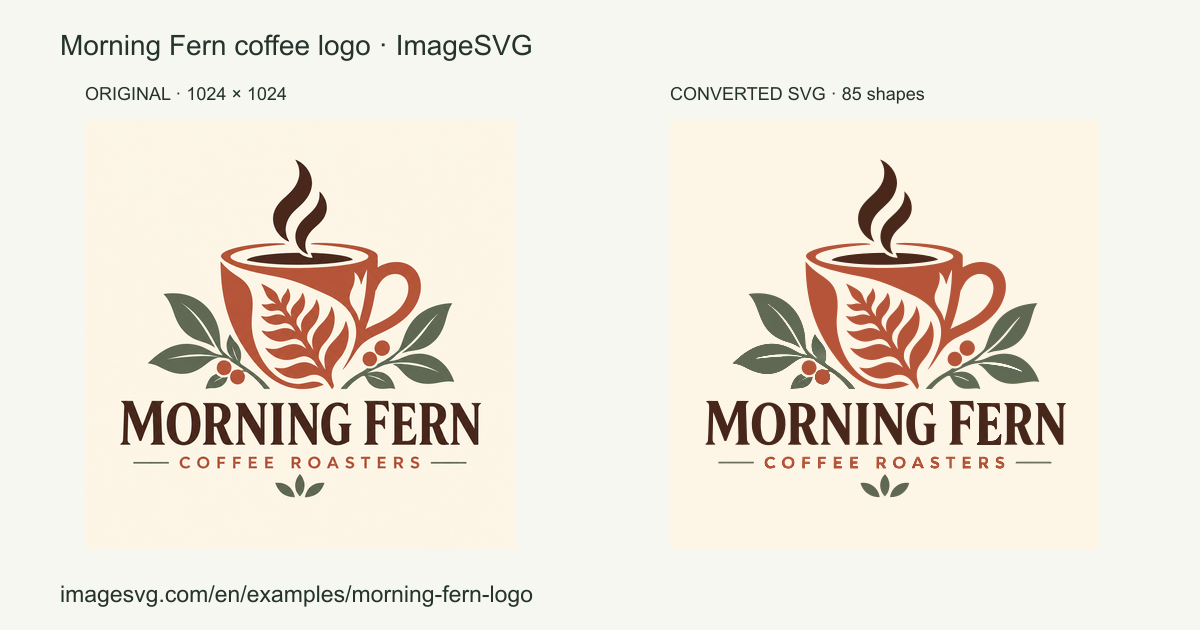
  • Morning Fern coffee logo ↗
  • Choose your image
  • Inspect before using
  • Check your result before downloading
  • Before sending the file
  • When to keep the original
  • More conversion guides
  • One-color logos to SVG ↗
  • Transparent icons to SVG ↗

Section headings detected on the page.

Original title
Logo to SVG Converter — Resize Your Logo | ImageSVG
Original description
Convert your PNG or JPG logo to SVG so it stays sharp on signs, posters and screens. Resize the logo or change its colors in a vector editor.
Site
ImageSVG
Reading time
~6 min · 1.2k words
Language
en
Theme color
#f7f7f2
Mobile-friendly
Yes
Indexable
Yes
Canonical
https://imagesvg.com/en/convert/logo-to-svg
Cloudflare
Secure (HTTPS)
Yes · HSTS
HTTP status
200 OK
Server
cloudflare
Page size
23 KB
Load time
740 ms
Scanned
2026-11-09 14:13:43
Type
Article
Headline
Resize a logo with SVG

Other resources that cover similar ground — and how they differ.

Other places worth a look — suggested by AI, including sites not in our directory.

Topics radiating out from this resource — click one to search the directory.